Boards v0.7.0: 20+ New AI Generators, Dark Mode, and Major UX Improvements

We're excited to announce Boards v0.7.0, our biggest release yet! This version brings 20+ new AI generators spanning image, video, and audio generation, major UI/UX improvements, and critical infrastructure upgrades.
🎨 New AI Generators: A Creative Powerhouse
This release dramatically expands Boards' AI capabilities with support for cutting-edge models:
Image Generation
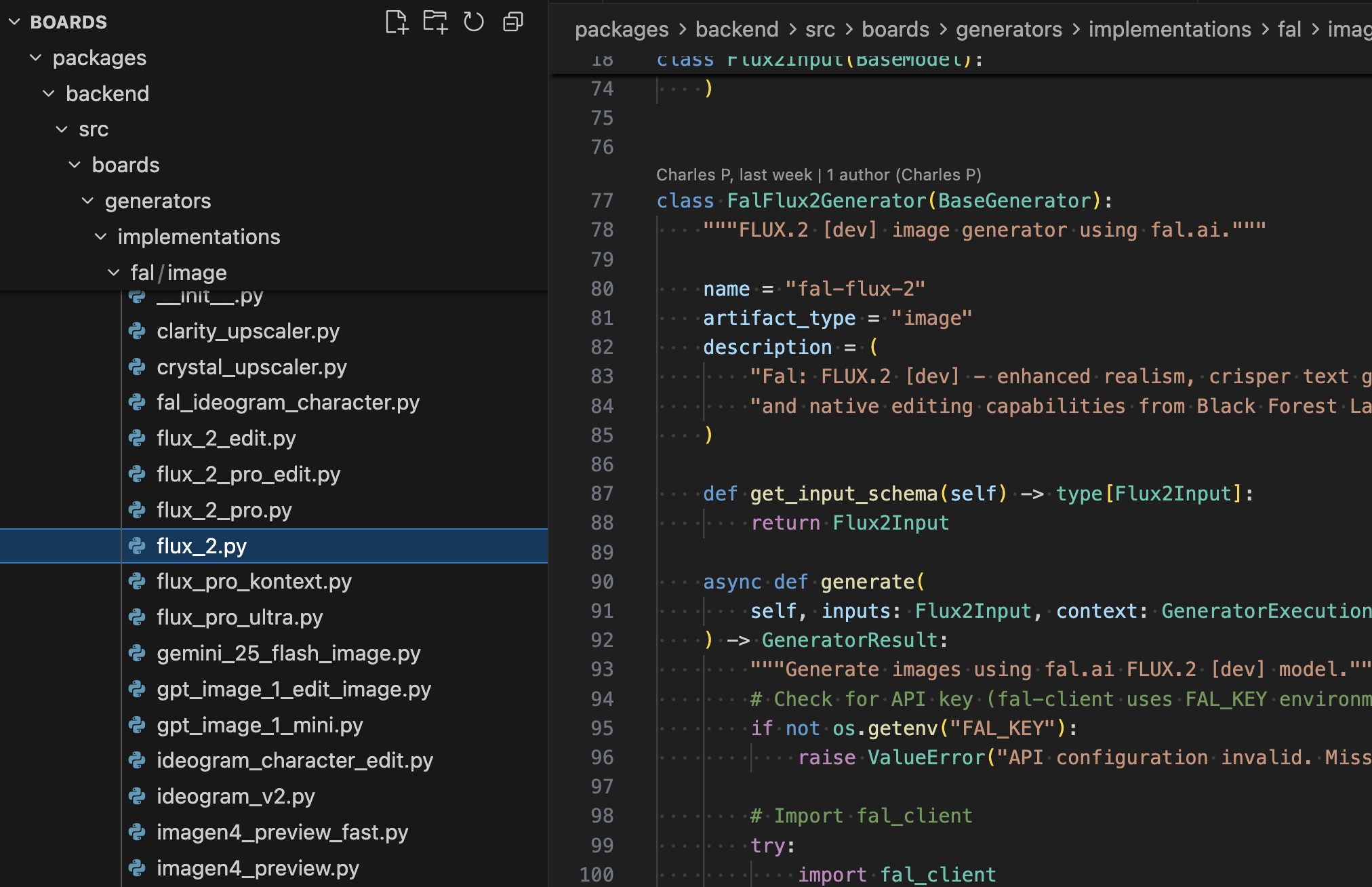
- ByteDance SeedDream - High-quality text-to-image and image editing
- Gemini 2.5 Flash - Google's fast image editing model
- FAL AI Suite - Text-to-image, image editing, and GPT Image 1.5
- Kie Generators - Additional creative image generation options
Video Generation
- Google Veo 3.1 - Multiple variants including standard, fast, and image-to-video modes
- FAL Video Suite - Text-to-video and image-to-video generation
- Veed Fabric 1.0 - Professional video generation
Audio & Avatars
- FAL Text-to-Speech - Both standard and turbo variants for high-quality voice synthesis
- FAL AI Avatar Video - Generate realistic avatar videos
With these additions, Boards now supports 20+ new generators, giving you unprecedented creative flexibility in a single platform.
🎭 Dark Mode & Theme Support
Your eyes will thank you. Boards now supports full dark mode with a polished theme switcher.
What's New
- Light/Dark/System themes - Choose your preference or follow your system settings
- Semantic color tokens - Consistent theming throughout the app
- Smooth transitions - No jarring flashes when switching themes
- Persistent preferences - Your theme choice is saved across sessions
The theme implementation uses next-themes with proper SSR hydration, ensuring a seamless experience without layout shifts or theme flashing.
📤 Multi-File Uploads
Gone are the days of uploading files one at a time. The new multi-file upload feature transforms how you work with assets.
Key Features
- Concurrent uploads - Upload multiple files simultaneously with individual progress tracking
- Drag & drop support - Drop multiple files at once
- Per-file progress - See the status of each upload independently
- Cancel functionality - Stop individual uploads that are taking too long
- Upload summary - Get a complete report when all uploads finish
The useMultiUpload hook is available in the frontend package, making it easy to add multi-file upload to your own Boards applications.
✏️ Inline Board Title Editing
Quick edits are now truly quick. Click the edit icon next to any board title to rename it in place.
Features
- Inline editing - No need to navigate to settings
- Auto-focus - Start typing immediately
- Keyboard shortcuts - Enter to save, Escape to cancel
- Validation - Prevents empty titles and provides clear error messages
- Optimistic updates - UI responds immediately while saving in the background
🔍 Better Generator Selector
Finding the right generator is now effortless with our redesigned selector.
Improvements
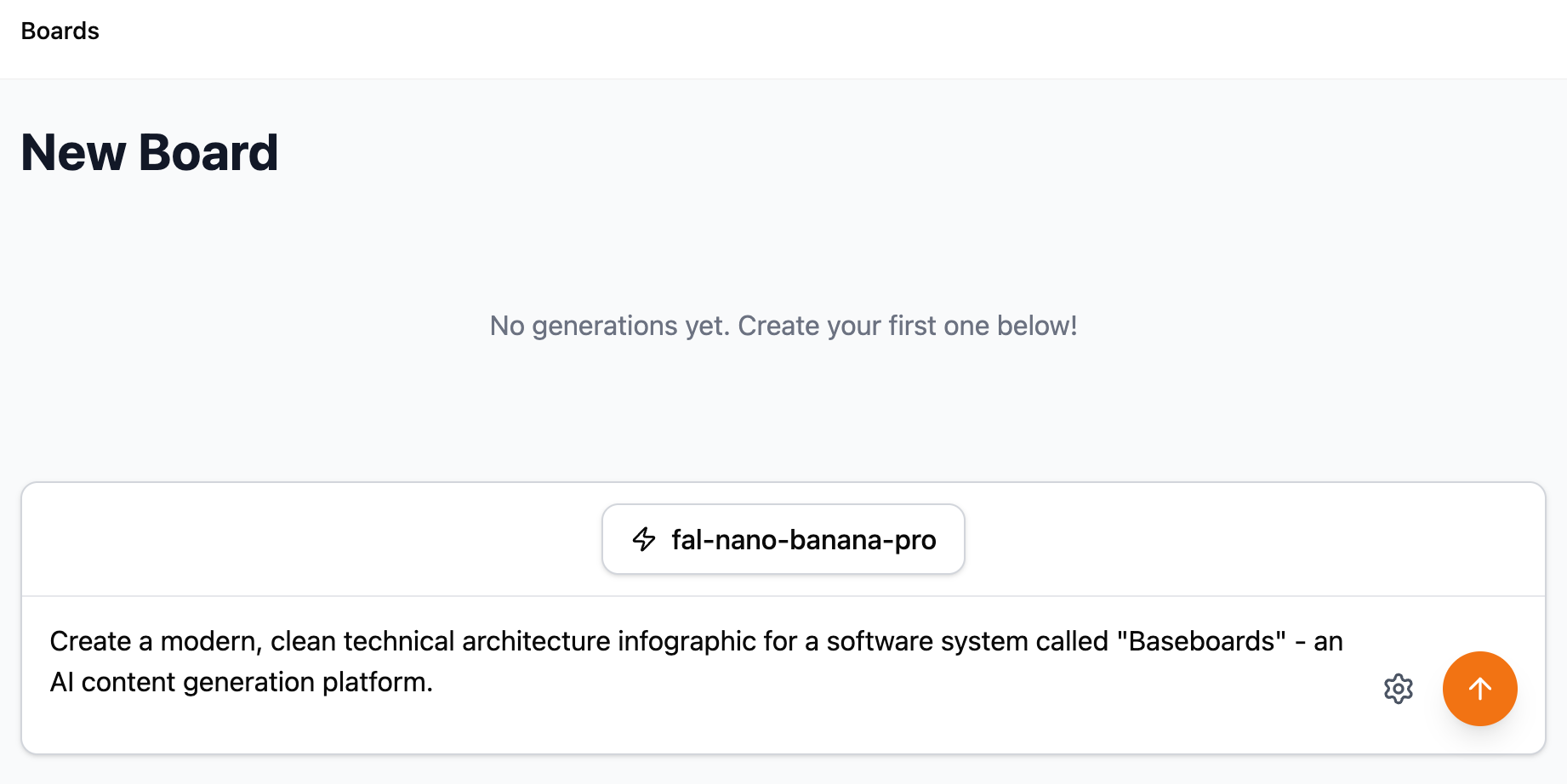
- Search functionality - Filter generators by name or description
- Type filtering - Quick filter pills for image, video, audio, and text
- Recently used - Your last 3 generators appear at the top for quick access
- Keyboard navigation - Auto-focus on the search field when opened
- Persistent MRU list - Recently used generators persist across sessions
The selector uses React's useDeferredValue for smooth performance even with many generators.
🗑️ Safe Generation Deletion
Delete generations you no longer need with confidence.
Features
- Confirmation dialog - Prevents accidental deletions
- Authorization checks - Only board owners and generation creators can delete
- Comprehensive deletion - Removes both the generation record and storage artifacts
- Clear feedback - Toast notifications confirm successful deletion
- Proper error handling - Clear messages if deletion fails
The backend properly validates permissions and includes comprehensive test coverage for all authorization scenarios.
🏗️ Infrastructure Improvements
Behind the scenes, we've made important upgrades to ensure Boards scales reliably.
Thread-Safe Database Connections
The async database connection system now uses thread-local storage, preventing connection sharing across event loops. This is especially important for:
- Test runners with multiple threads
- Background workers
- Applications with concurrent async operations
The implementation follows SQLAlchemy best practices with proper initialization locks and resource cleanup.
PostgreSQL Driver Upgrade
Migrated to psycopg v3, PostgreSQL's modern Python driver:
- Better async support
- Improved performance
- More robust connection pooling
- Enhanced type support
Developer Experience
- New
make formatcommand - Auto-format both Python and JavaScript code - Improved documentation - New Makefile command reference and architecture guides
- CLI launcher fixes - More reliable project scaffolding and management
📚 Documentation Updates
We've expanded our documentation to help you get the most out of Boards:
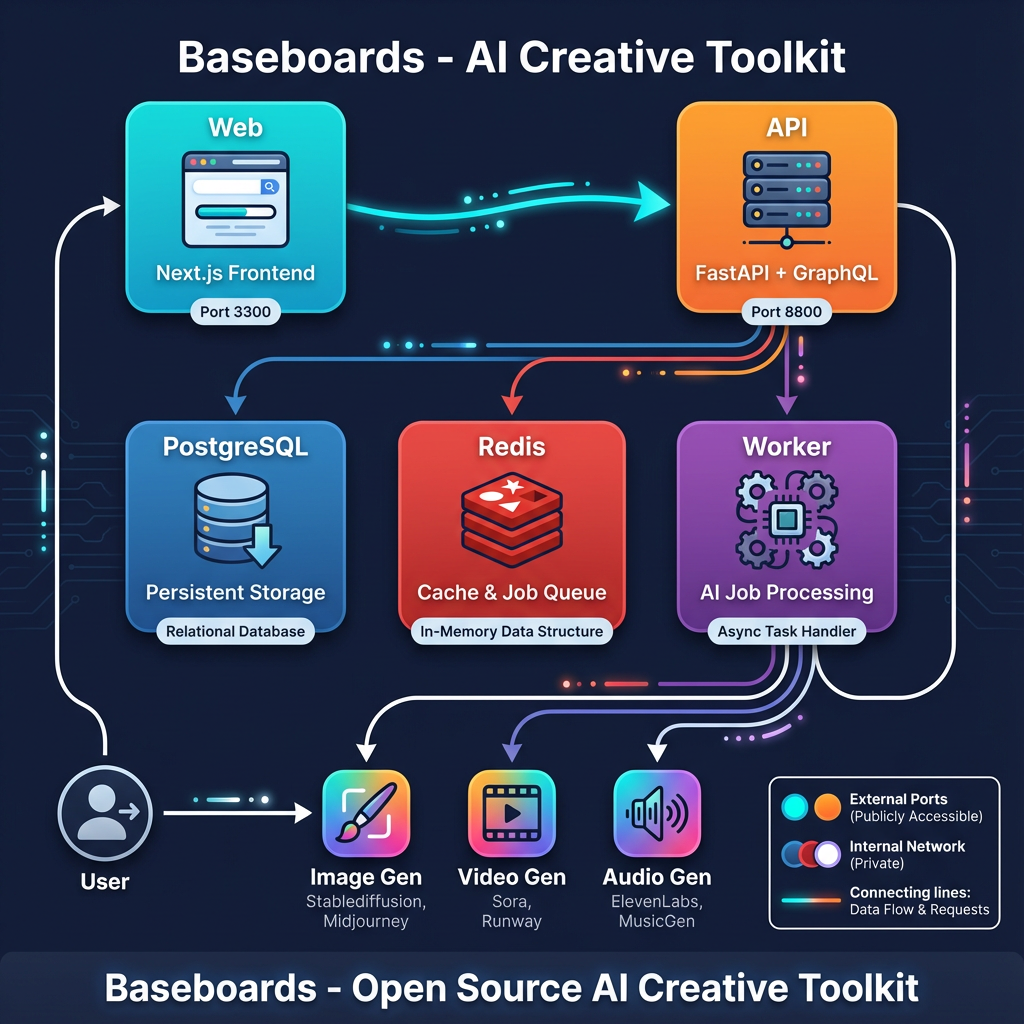
- Architecture and Customization - In-depth guide to Boards' architecture
- GraphQL API documentation - Detailed mutation documentation including authorization rules
- README improvements - Added links to docs and Discord community
🐛 Bug Fixes
- Fixed download functionality - Assets now download reliably
- Fixed delete issues - Generation deletion now works correctly in all scenarios
- Various UI fixes - Improved error handling and edge case behavior
🚀 Getting Started
New Projects
Create a new Boards project with a single command:
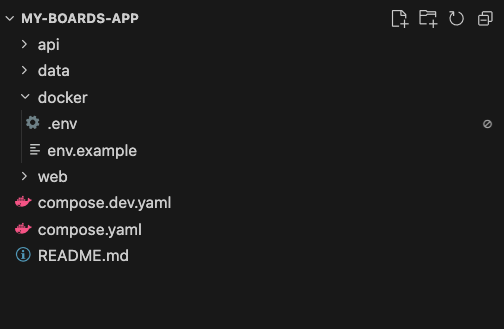
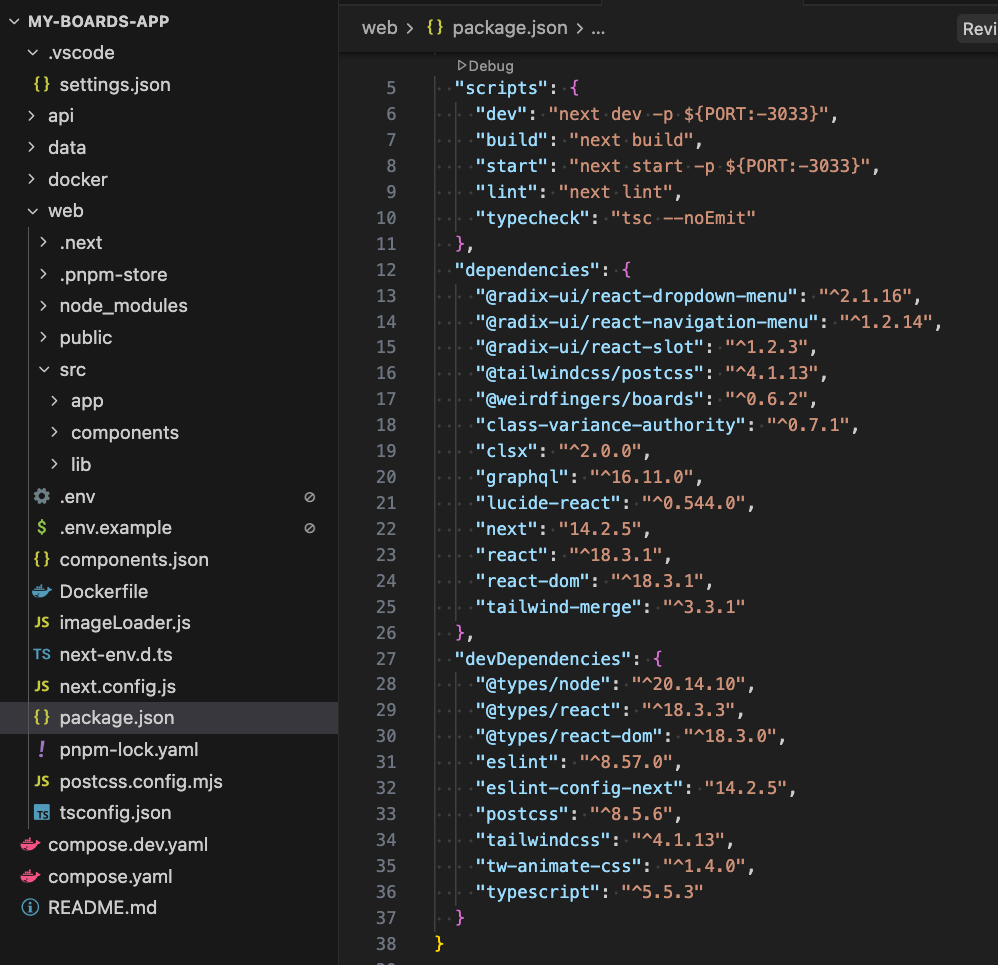
npx @weirdfingers/baseboards up my-boards-app
Existing Projects
Upgrade to v0.7.0:
# Update dependencies
pnpm install

# Pull latest Docker images
make docker-up

# Run database migrations (if any)
make dev-backend
🙏 Thank You
This release includes 30+ merged pull requests and represents significant development effort. Special thanks to everyone who reported issues, tested features, and provided feedback.
Join our Discord community to share what you're building with Boards!
📝 Full Changelog
For the complete list of changes, see the v0.7.0 release notes.
Contributors
🔮 What's Next
We're already working on v0.8.0 with exciting features including:
- Additional AI model providers
- Enhanced board collaboration features
- Performance optimizations
- More UI polish
Stay tuned for more updates!